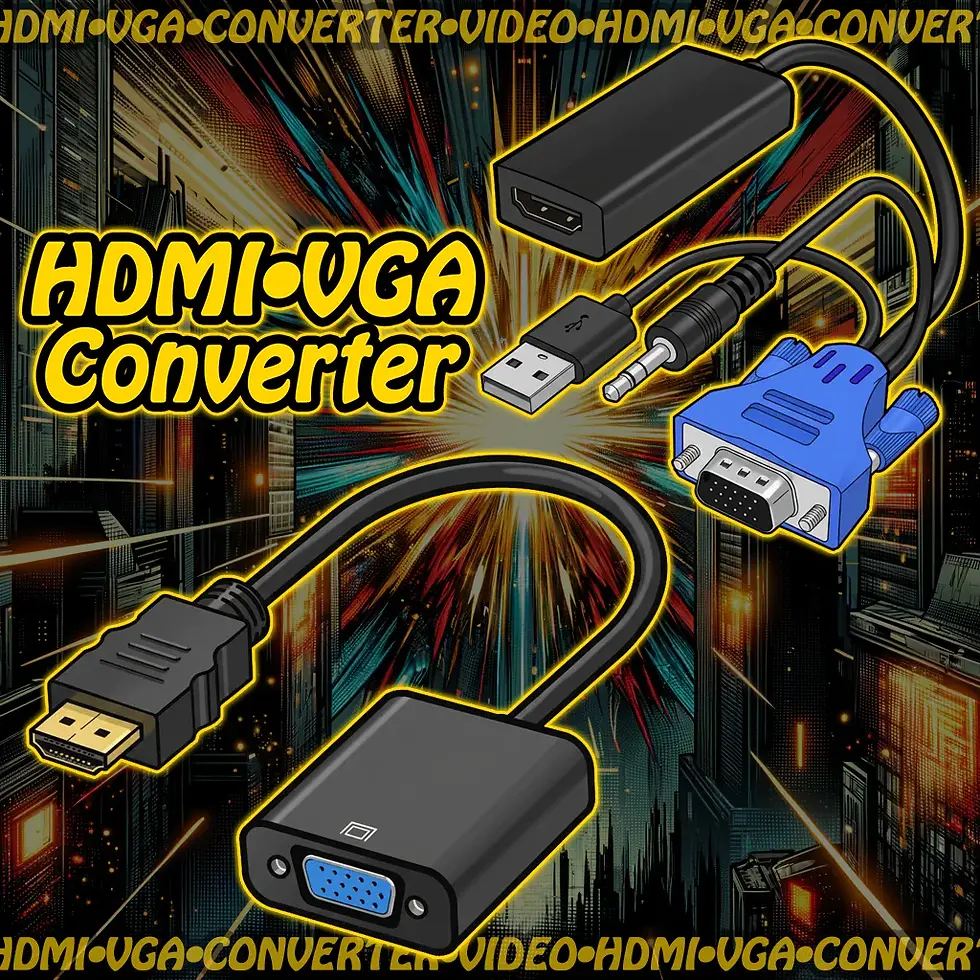
🖥️📺 BNC → VGA Video Converter
These converters bridge two distinct analog video formats: VGA and BNC. Because VGA and BNC use different signal structures, active electronics are required—simple adapters won't work. It serves a unique role in retro setups, AV testing, and display integration.
🔄 Converter Types
BNC/S-Video → VGA Converter
- Purpose: Display BNC/S-Video video (from DVD, console, CCTV) on a VGA monitor
- Input: BNC/S-Video
- Output: VGA (15-pin D-sub, for computer monitors/projectors)
- Use Case: View legacy video sources on VGA-only displays
- Features:
- Active scaler with resolution adjustment
- USB or wall-powered
- Output up to 1600 ×1200
🖥️ Compatible Devices
📼 BNC/S-Video → VGA
- DVD players, retro consoles (PS1, N64, etc.)
- CCTV cameras, DVRs
- VGA-only monitors, older projectors
✅ Common Uses
- 📽️ Surveillance feeds on VGA monitors (BNC → VGA)
- 🧪 AV testing and signal routing in hybrid setups
- 🧩 Connecting legacy DVD players to modern displays
- 🧱 Bridging old and new tech in museums, labs, classrooms
🧠 Signal Format Notes
- VGA = RGBHV (separate Red, Green, Blue, Horizontal Sync, Vertical Sync)
- BNC = Composite (combined video signal over one wire)
- ❗ Requires active conversion—no direct electrical compatibility
- 🧲 Includes PAL/NTSC switching and aspect ratio control
⚠️ Things to Watch Out For
- 🚫 Passive BNC-to-VGA cables don’t work—must use powered converter
- 🔌 Confirm resolution compatibility with your display
- 🧪 BNC → VGA converters may introduce latency or scaling artifacts
- 📏 VGA is progressive scan; BNC is interlaced
- 🧯 Always check for PAL/NTSC support when using international gear
🛠️ Quick Tips for Beginners
- 🧭 Match input/output ports carefully—direction matters
- 🔌 Use USB or wall power as required—these aren’t plug-and-play cables
- 🧪 Test with known-good sources before deploying in permanent setups
BNC → VGA Video Converter
SKU: M46VGA
$25.00Price